
Google Analytics: Why Every Business Website Needs It
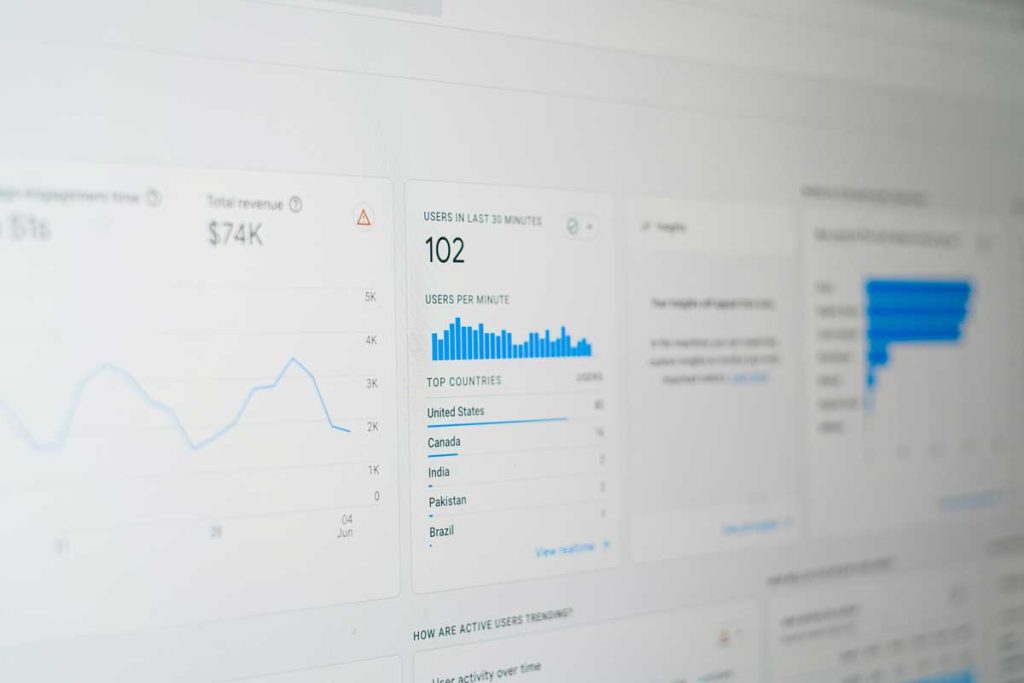
Google Analytics is one of the most important tools for understanding how people find, use and interact with your website. It shows where your visitors come from, which pages they view, what actions they take and whether your marketing is helping generate real business results. For any business investing in SEO, paid ads, social media, email marketing or content, Google Analytics helps answer a simple but essential question: what is actually working?
What Is Google Analytics?
Google Analytics is a free website and app measurement platform from Google. The current version, Google Analytics 4, often called GA4, is built around event-based tracking. That means it measures user interactions such as page views, clicks, form submissions, file downloads, video views and purchases as events. Google describes GA4 as its next-generation Analytics platform for measuring websites and apps using event-based data.
This is different from the older Universal Analytics model, which focused more heavily on sessions, pageviews and goals. GA4 is designed to give a broader picture of how users move across websites, apps and marketing channels.
Why Google Analytics Matters
Without analytics, digital marketing becomes guesswork. You might know that people are visiting your website, but you may not know where they came from, what pages helped them convert or where they dropped off.
Google Analytics helps businesses understand:
- Which marketing channels bring visitors to the site
- Which pages attract the most traffic
- How users move through the website
- Which campaigns generate enquiries, sales or bookings
- Which devices, locations and audiences perform best
- Where users leave before taking action
This information helps businesses make better decisions about SEO, advertising, content, design and conversion optimisation.
Key Features of GA4
GA4 includes a wide range of reporting and measurement features. Some of the most useful include:
Traffic acquisition reports
These show where visitors come from, such as organic search, paid search, direct traffic, referrals, email or social media.
Engagement reports
These help measure how people interact with the website, including engaged sessions, average engagement time and page performance.
Event tracking
GA4 automatically collects some basic events when the Google tag is installed, such as standard user interactions on a website or app.
Key events
Important actions can be marked as key events, such as form submissions, purchases, phone clicks, downloads or booking confirmations. Google’s GA4 documentation explains that key events are used to track valuable user actions and can be created from existing or custom events.
Audience insights
GA4 can help identify different audience groups based on behaviour, geography, device type or traffic source.
Search Console integration
GA4 can be linked with Google Search Console, allowing businesses to analyse organic search queries, landing pages and how search clicks translate into on-site behaviour.
Google Analytics and SEO
Google Analytics is especially valuable for SEO because it helps connect search visibility with actual website performance.
SEO tools may show keyword rankings and search volumes, but Google Analytics shows what happens after someone lands on your site. For example, a blog post may generate a lot of traffic, but if visitors leave quickly or never enquire, it may need stronger calls to action or better internal links.
When linked with Google Search Console, GA4 can help show which organic search landing pages bring engaged users and which pages may need improvement. Google notes that Search Console integration can bring organic search queries and landing page data into Analytics reporting.
What Businesses Should Track
A good Google Analytics setup should focus on useful business actions, not just traffic numbers.
Useful things to track include:
- Contact form submissions
- Phone number clicks
- Email clicks
- Newsletter sign-ups
- Brochure or PDF downloads
- Product purchases
- Booking completions
- Quote requests
- Important page views, such as thank-you pages
- Organic search landing page performance
Traffic is useful, but conversions are more important. A smaller number of high-quality visitors is often more valuable than a large amount of unqualified traffic.
Google Analytics and Other Tools
Google Analytics works best when used alongside other marketing and SEO tools.
Google Search Console shows how your website performs in Google Search, including impressions, clicks, queries and indexing issues.
Google Tag Manager makes it easier to add and manage tracking tags without editing website code every time.
Looker Studio can turn GA4 data into easier-to-read dashboards and reports.
Semrush, Ahrefs or BrightEdge can help with keyword research, competitor analysis and SEO visibility, while GA4 helps measure what visitors do once they arrive on the website.
Together, these tools give a much fuller picture of marketing performance.
Common Mistakes to Avoid
Many businesses install Google Analytics but never configure it properly. Common mistakes include:
- Not setting up key events
- Not linking Google Search Console
- Tracking traffic but ignoring conversions
- Failing to filter or understand internal traffic
- Not using UTM links for campaigns
- Looking only at monthly visitors instead of user quality
- Not reviewing landing page performance
- Treating GA4 as a one-time setup rather than an ongoing measurement tool
A basic setup is better than nothing, but a properly configured GA4 account gives much more useful insight.
Final Thoughts
Google Analytics is essential for understanding website performance. It helps businesses see where visitors come from, what they do on the site and which marketing activities generate meaningful results.
For SEO, GA4 is particularly useful because it connects organic traffic to real user behaviour. It shows whether search visitors are engaging, converting and moving through the website effectively.
The best approach is to use Google Analytics alongside Google Search Console, SEO software and clear business goals. When set up correctly, it becomes more than a reporting tool — it becomes a decision-making tool for improving your website, your marketing and your return on investment.